
Everything a coach actually uses.
Read straight out of the shipped product. Every line on this page works today.
The roster
- Needs you
- One queue across every client, ranked by severity, with the action and a link to the tab that fixes it.
- Roster
- Everyone on the books, with the numbers that matter on the row instead of three clicks in.
- Prospects
- People who haven’t started yet. They don’t count towards your plan and never have.
- Nudges
- The small chases — a missing check-in, a stalled log — handled without you keeping the list in your head.
- Schedule
- What’s due and when, including the check-in day you set per client.
Training
- Programme builder
- Training days, exercises, sets, rep ranges, target loads and notes. Rest days included.
- Measurement types
- Load, bodyweight, time, distance and AMRAP — because not everything you program is a barbell.
- Cardio in the session
- Not bolted onto a separate screen. It sits in the day it belongs to.
- Templates
- Save a day, a week or a whole block and pull it into the next client. Folders behave as tags, so one push day can live under chest, delts and arms at once.
- Blocks and phases
- Multi-week blocks with a duration you set and a clock only a real change moves.
- Client-added exercises
- They did something you didn’t write. They log it instead of lying about it.
- Publish gates
- Nothing reaches a client mid-edit. You decide when a week goes live.
Set up in an afternoon
- A video on every exercise
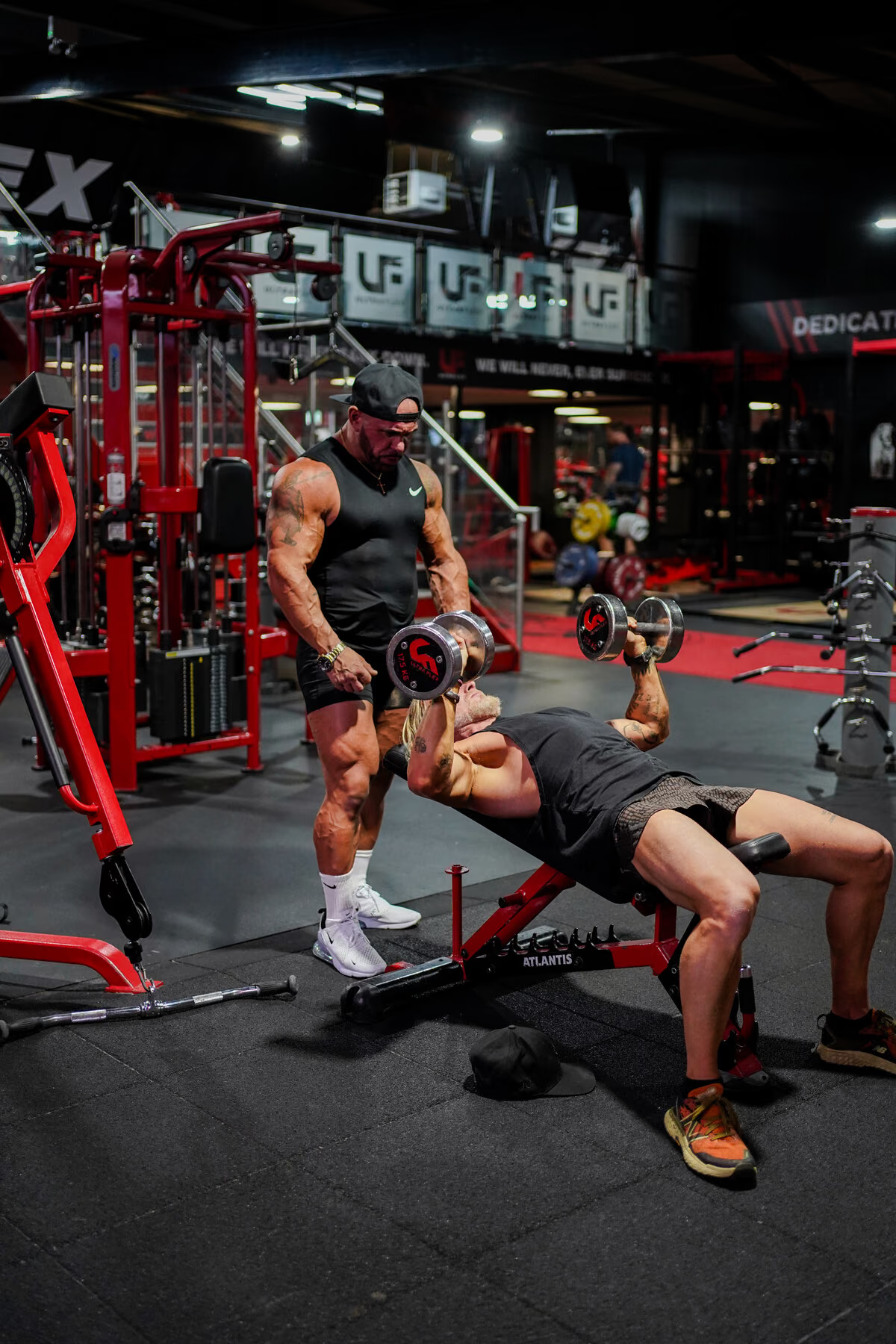
- Ricky filmed them. Your client taps the exercise and watches how it’s done, in your app.
- His coaching cues, written in
- The set-up, the common faults, what to feel. The stuff you’d say standing next to them.
- Every machine in the gym
- Not just barbells. The plate-loaded kit, the cables, the fixed machines your clients actually use.
- Preset workouts, ready to go
- Full sessions built and tagged. Drop one on a client and edit from there instead of starting at a blank week.
- Your own library too
- Add your exercises, your videos, your cues. It sits alongside Ricky’s.
Nutrition
- Barcode scanning
- Your client points their phone at the packet and it’s logged. No hunting through a list.
- Food database
- A proper searchable database behind the scanner. Not a box you type calories into.
- Meal templates
- Build a meal once, reuse it across clients and across day types.
- Training and rest days
- Different targets for different days, which is how anyone actually eats.
- Client diary
- They log what they ate. It feeds the check-in instead of dying in another app.
- Included
- On every plan. Not a separate subscription.
Check-ins and progress
- Check-in form builder
- Build the questions you actually ask. Set the day of the week per client.
- Coach review
- Read the submission, leave notes, set next week’s tasks — in one pass.
- Bodyweight and measurements
- Trends, seven-log averages, and units in stones if that’s how your client thinks.
- Progress photos
- By angle, stored properly, with the client in control of what they share.
- Recalled vs measured
- A number your client remembered is flagged as remembered. It never quietly passes as measured.
- Habits
- You set them, they tick them, you see the pattern.
The plan-change log
- What changed
- Every adjustment to a programme, recorded.
- Why it changed
- Your reason, in your words.
- Client-visible
- They read it in their own app. This is the part nobody else does.
Messaging
- Coach ↔ client chat
- In the same place as the plan it is about.
- Voice notes
- Because typing a cue is slower than saying it.
- Form video
- They send the set, you send it back marked up.
- Group messages
- For logistics — a challenge, a gym closure — without breaking client privacy elsewhere.
Take the money in the app
- Client payments
- Set it up once and your clients pay you through your own app — the one with your name and your photo on it. No separate payment link to send, no waiting on a bank transfer that never arrives.
- Straight into your bank
- The money goes to your account. It is your income, paid to you.
- Every payment against the right client
- Open a client and what they have paid sits next to the coaching it paid for. The same place you already look.
- Card handling is Stripe’s
- Cards are handled by Stripe, so the part that has to be watertight is run by people who do only that.
Your business
- Packages
- What you sell, and what each client actually signed. Terms freeze at signing and only change at renewal.
- Client onboarding
- Invite by email, they tap a link, they’re in. Single-use, expiring invites.
- Works offline
- A basement gym with no signal doesn’t eat a logged session.
- Coach on mobile
- The workspace is desktop-first because that is where you plan. It still works on the phone in the gym.


Built for the five things you do every day.
Write the plan. Log the change so your client sees it. Set the food. Read the check-in. Know who needs you before they go quiet. Every hour of build time went into those five, and every one of them is in the £19 plan.